How swiping through your photos works
Pick where to start
Choose a month, an album or a category such as Screenshots or Live Photos. Unroller remembers where you stopped.
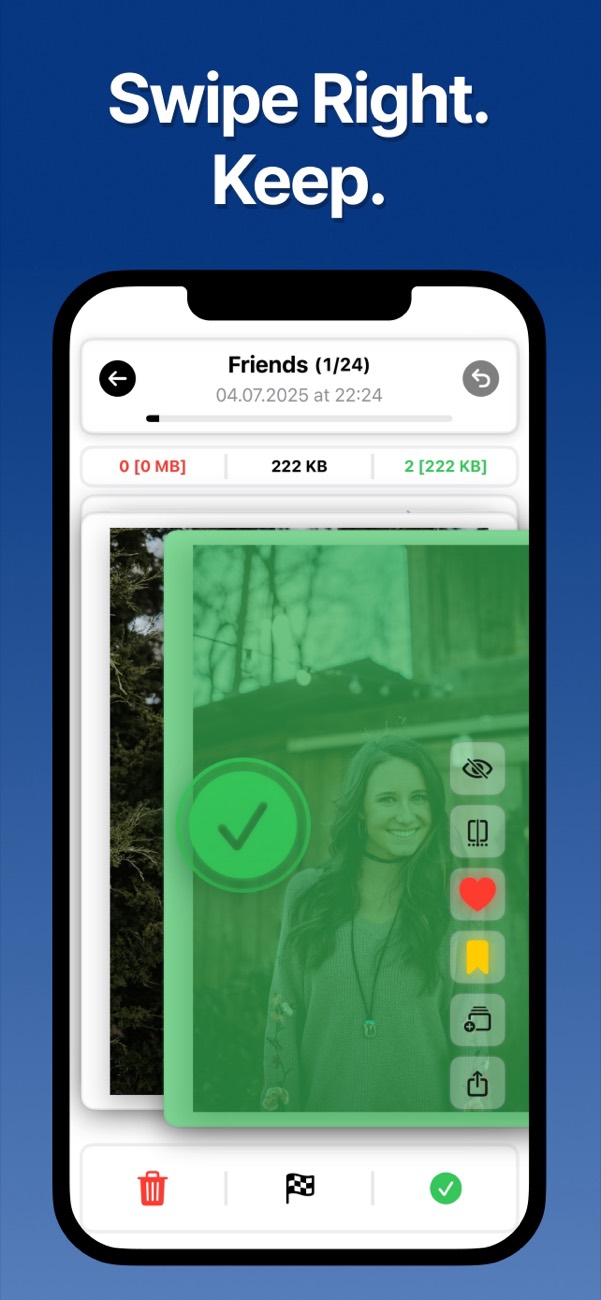
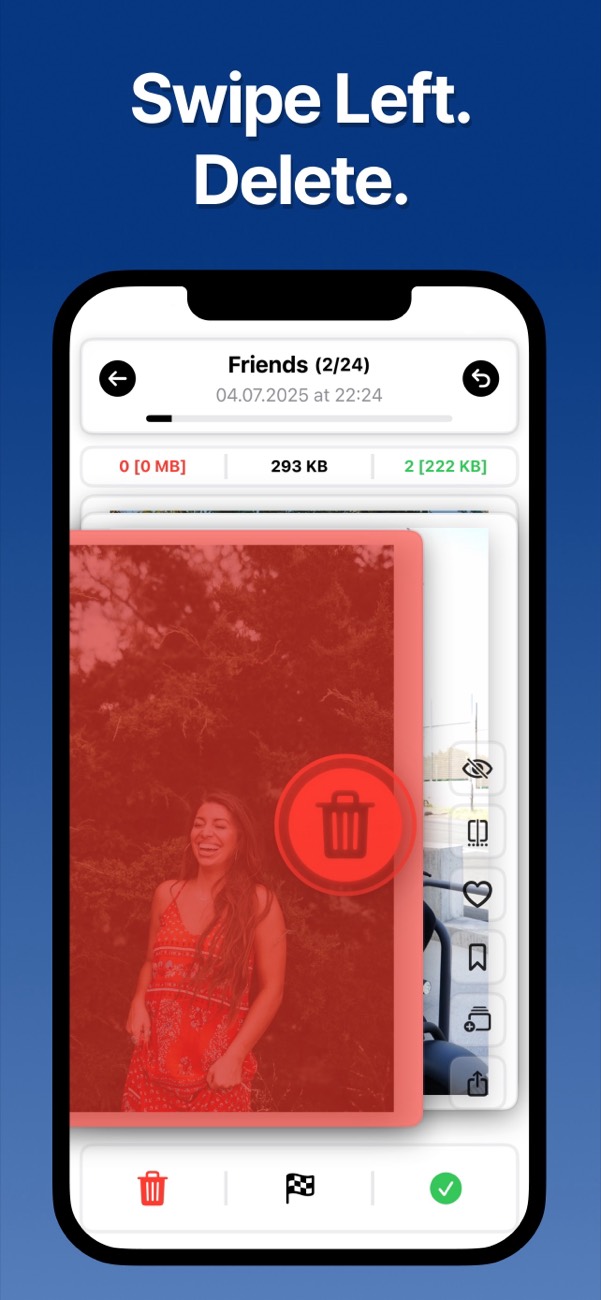
Swipe left or right
Left marks a photo for deletion and right keeps it. Your choices wait in a review list until you confirm them.
Confirm and free up space
Check the photos you marked, then delete them in one go. They move to Recently Deleted in the Photos app, where you can restore them for 30 days.
Start where the mess is
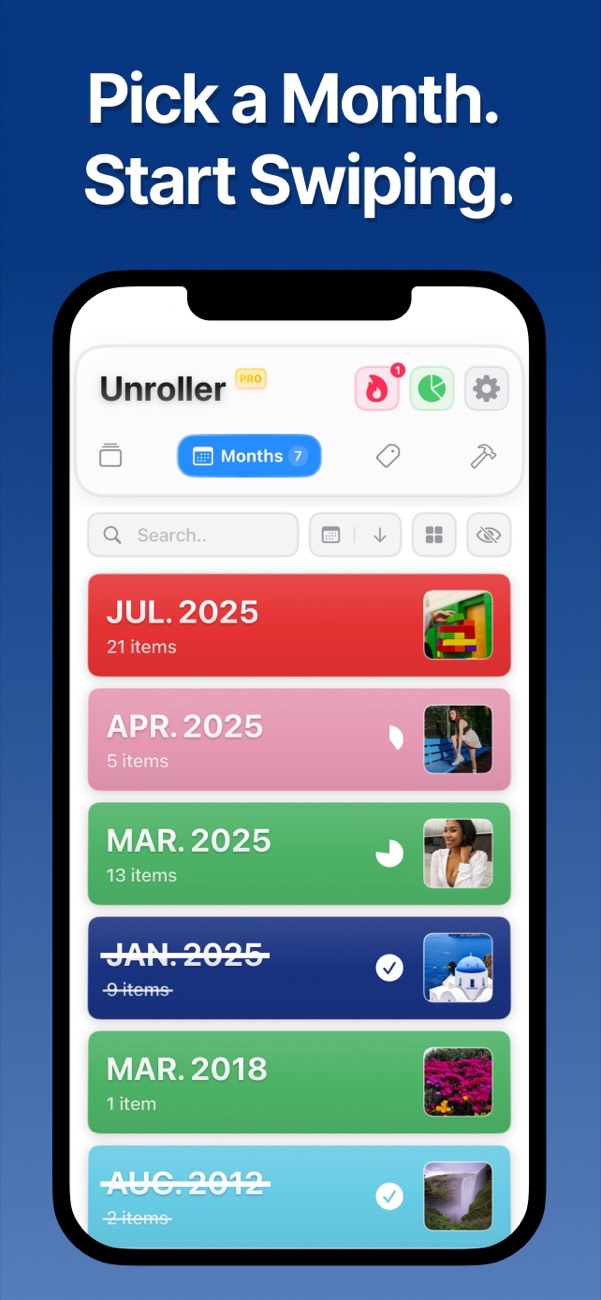
Month by month
Go through your library one month at a time. Finished months get crossed off the list.
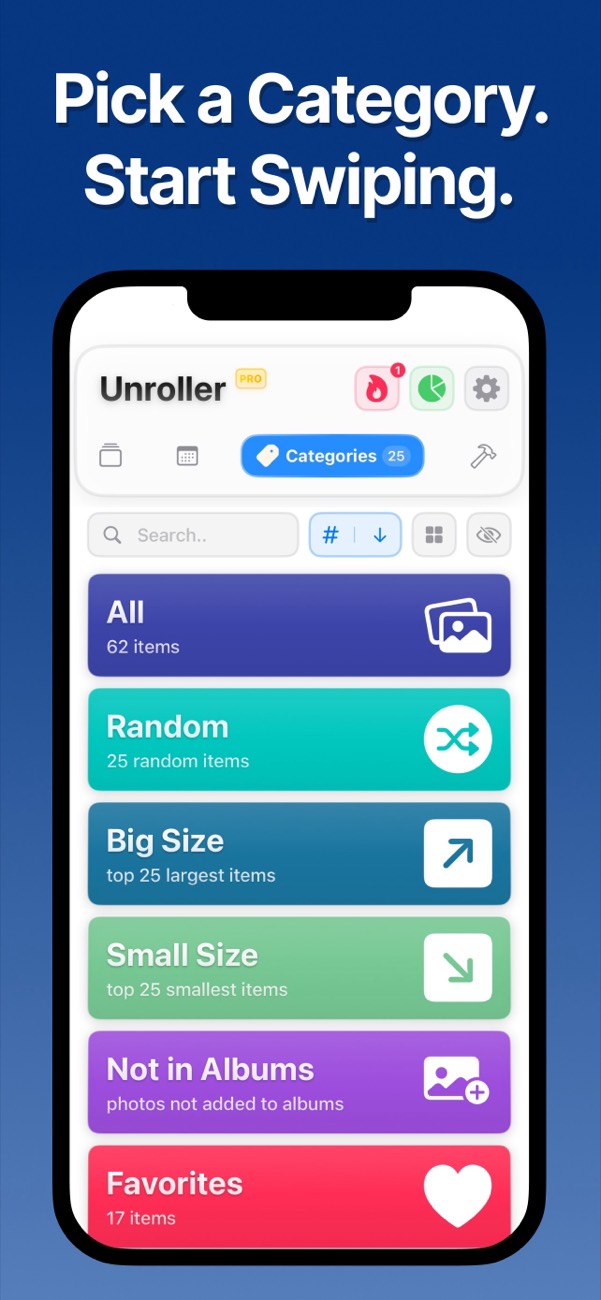
Screenshots, Live Photos and more
Jump straight to Screenshots, Live Photos, Favorites, photos that are not in any album, or a random mix.
Largest files first
The Big Size category lists the photos and videos that take up the most space, so your first swipes free the most storage.
Duplicates and similar photos
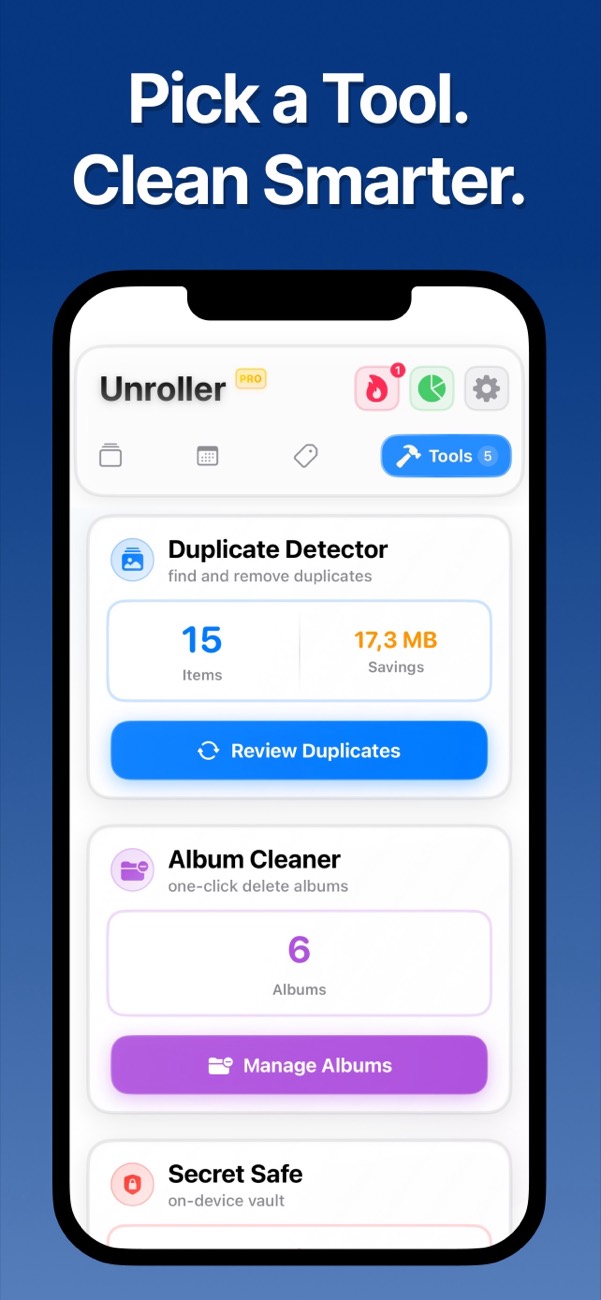
The duplicate finder groups identical and similar shots, so you can keep one and delete the rest.
Videos, albums and PDFs
Shrink large videos, clear out old albums, turn photos into a PDF or move private photos into a hidden folder.
Stats that keep you going
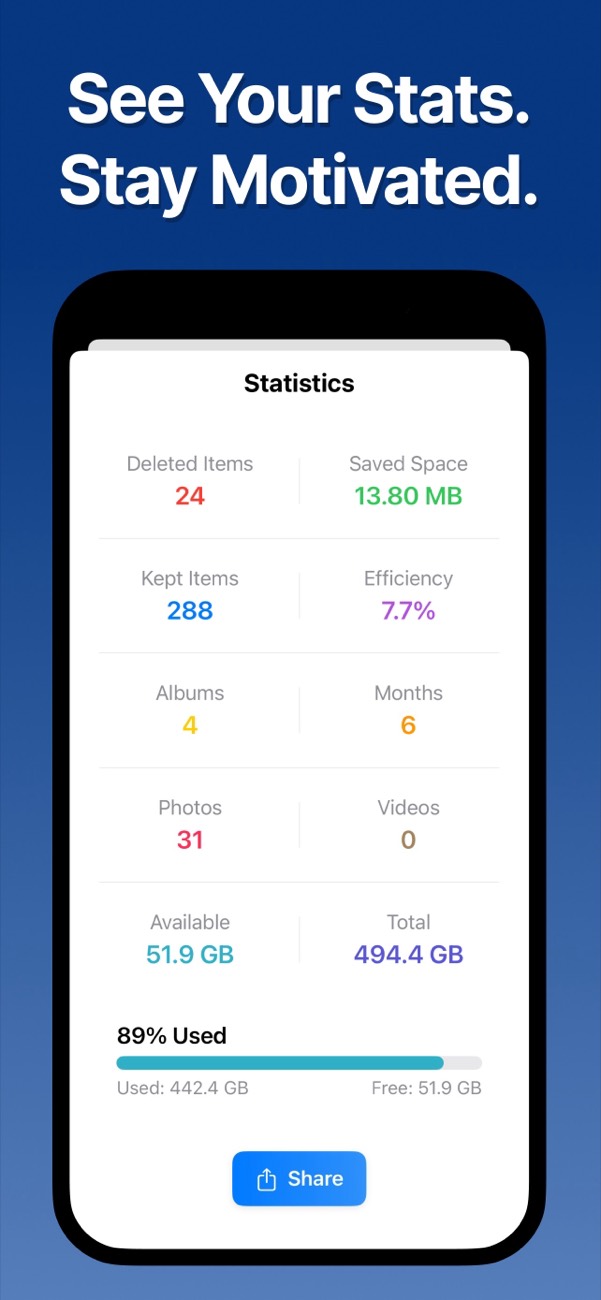
See how many photos you reviewed, how much space you freed and how much of your library is done.
Your photos stay on your iPhone
Unroller sorts your library on the device. Photos and videos are never uploaded, and the app has no ads. You can give it access to your whole library or only to the photos you select. Read the privacy policy
Free to sort, Pro to delete
Swiping through and sorting your whole library is free. Unroller Pro unlocks deleting and the extra tools. The app shows the current prices before you buy, and you can manage or cancel a subscription in your Apple Account settings.
Questions about cleaning up iPhone photos
How do I clean up my camera roll quickly?
Work in small batches instead of the whole library at once. Start with what piles up fastest, such as screenshots and old videos, then go month by month. Swiping through photos one at a time is quicker than selecting them in a grid, because you only decide about one picture at a time. Read the full guide
Does deleting photos free up storage on iPhone?
Yes, but not right away. Deleted photos stay in the Recently Deleted album for up to 30 days and keep using storage. Empty that album in the Photos app to get the space back immediately.
Why is my iPhone storage still full after deleting photos?
Usually the photos are still in Recently Deleted, or iCloud Photos has not finished syncing the change. Empty Recently Deleted, restart the iPhone and check Settings > General > iPhone Storage again. If Photos is not the largest item there, apps or system data are using the space. Read the full guide
Can I sort iPhone photos by file size?
The Photos app has no sort by file size. In Unroller, the Big Size category lists your largest photos and videos first, so you can review the files that take up the most space. Read the full guide
How do I delete duplicate photos on iPhone?
On iOS 16 and later, the Photos app collects exact duplicates in the Duplicates album under Utilities, where you can merge them. The duplicate finder in Unroller also groups similar photos, like several shots of the same scene, so you can keep one and delete the rest. Read the full guide
How do I delete all screenshots on iPhone at once?
Open the Screenshots album in Photos, tap Select, then Select All, and delete. If you want to keep a few, open the Screenshots category in Unroller and swipe through them instead. Read the full guide
Does Unroller delete photos from iCloud too?
If iCloud Photos is turned on, a photo deleted on your iPhone is deleted on all your devices and in iCloud. Unroller uses the normal Photos deletion, so deleted items go to Recently Deleted first and can be restored for 30 days.
Is Unroller free?
You can swipe through and sort your entire library for free. Deleting photos and the extra tools, such as the duplicate finder and the video compressor, need Unroller Pro.
Are my photos uploaded anywhere?
No. Unroller processes your photo library on your iPhone and never uploads photos or videos. The privacy policy has the details.
Start with one month
Pick last month, swipe through it and see how much space you get back.